Bookmark tool
The Bookmark tool is a per-tabverse list of pages you want to keep. Unlike a browser bookmark, a Tabverse bookmark belongs to the tabverse and travels with it - saved, exported and synced.
Save a bookmark
There is no "add" box in the Bookmark tool; bookmarks come from where you already are:
-
From a tab - hover a tab in the tab list and click its bookmark button ("Save this tab as a bookmark"):
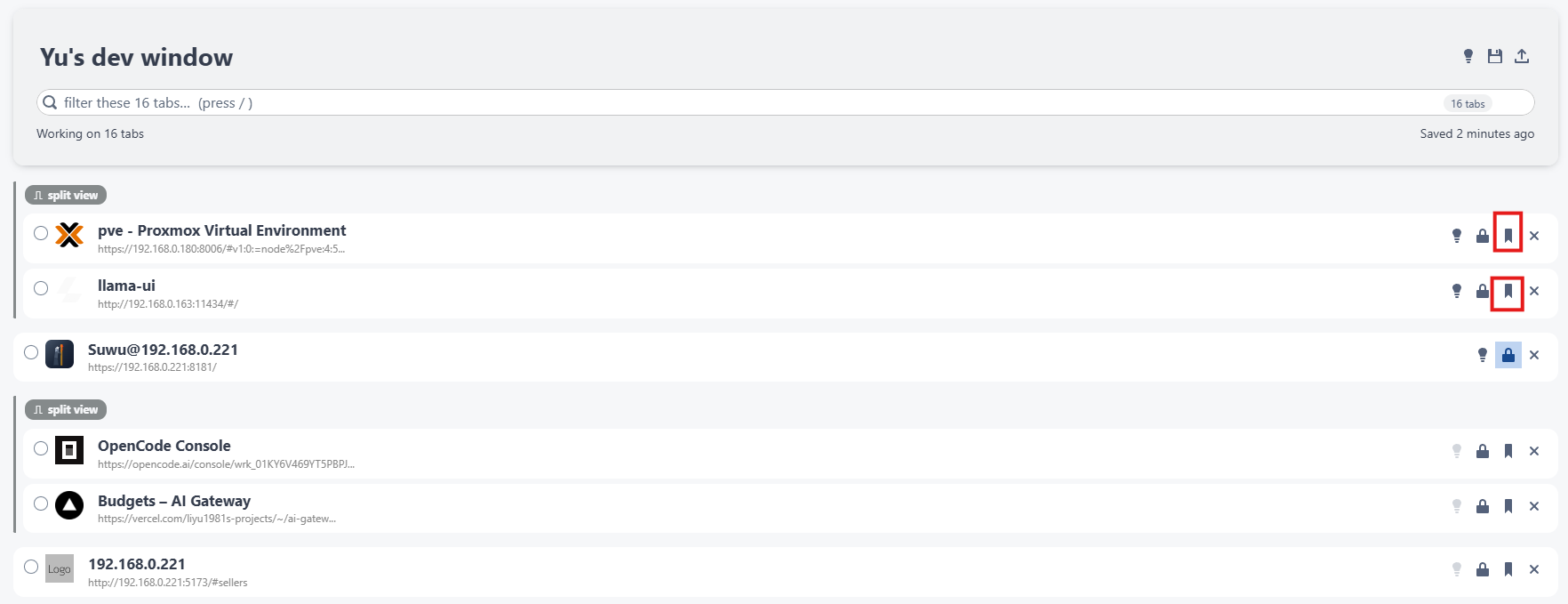
-
From the history - the bookmark button on a closed tab saves it here and removes it from the history (see History).
Use the list
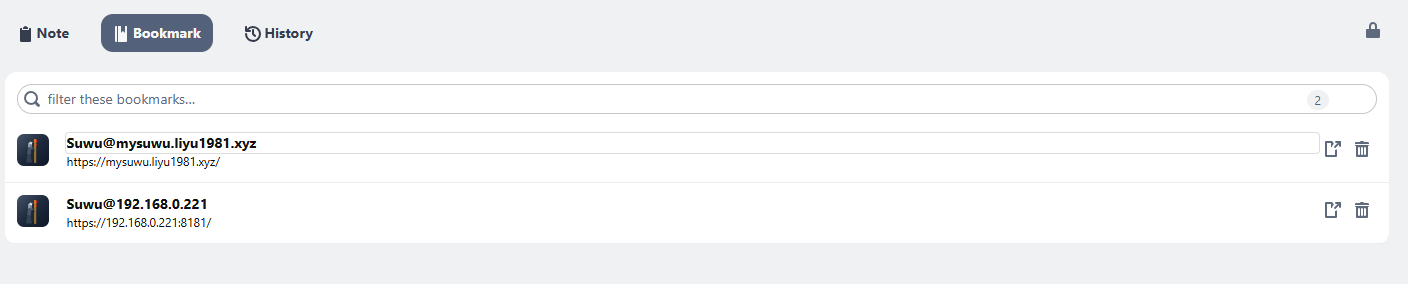
Each row shows the page's favicon, its name (click to rename) and its url.
- Open In Current Tabverse - opens the url as a new tab in this window.
- Delete It - removes the bookmark.
- The filter box narrows the list by name and url; the list pages ten rows at a time.