History tool
The History tool is the list of tabs closed from this tabverse - one row per url, most recent first. It is a convenience for bringing something back, not a copy of Chrome's own history. A tabverse keeps up to 999 closed tabs.
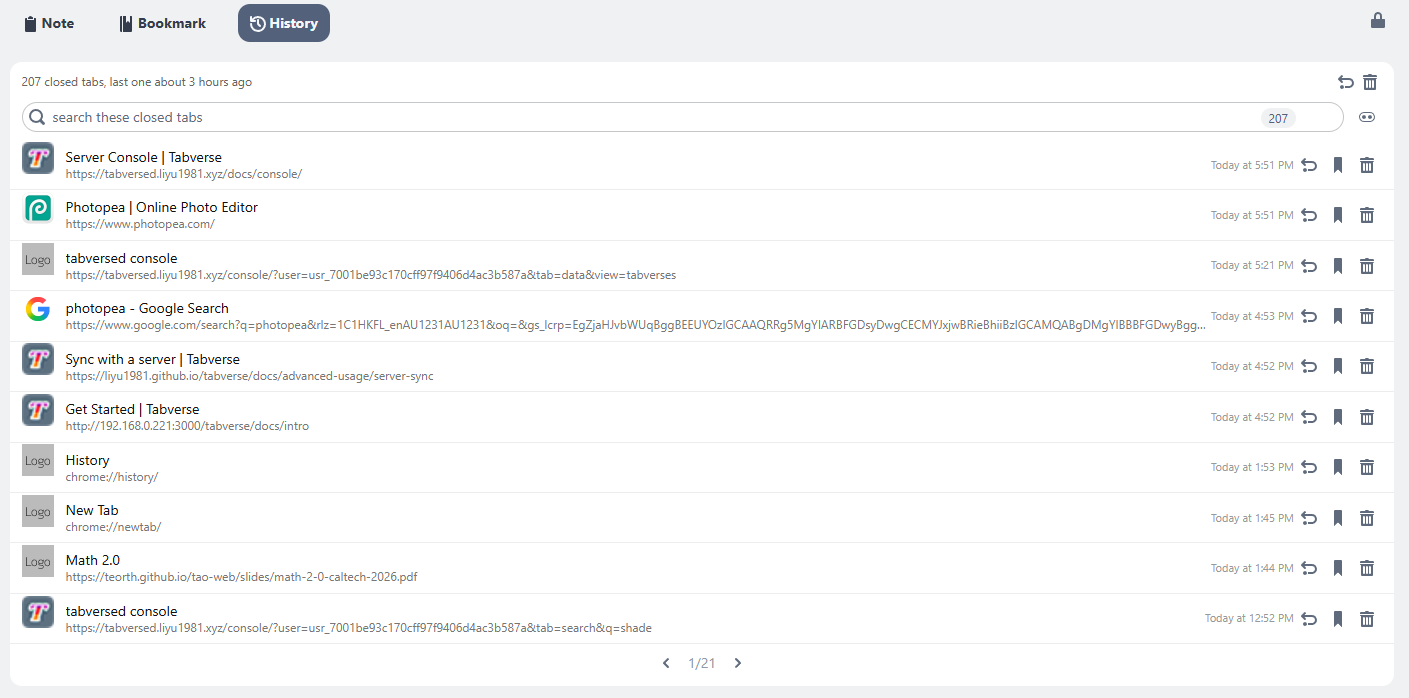
Bring one back
- Click a row's title, or its undo button, to reopen it as a new tab in this window.
- The undo button in the card header reopens the last closed tab.
- Save as Bookmark turns a closed tab into a bookmark and removes it from the history, so it lives in one place and not two.
- Forget It removes the row without reopening it.
- Clear The Whole History (the trash button in the header) asks for confirmation, then empties the list.
Search and group
- The box at the top searches titles and urls; it shows how many of how many match, and Esc clears it (a second Esc leaves the box).
- The Group by site switch draws the same list under one header per site, newest site first. The grouped view is not paged; the flat list pages ten rows at a time.