Todo tool
The Todo tool is a checklist for the current tabverse. It is saved with the tabverse, restored with it, and - when you pair a server - synced like everything else.
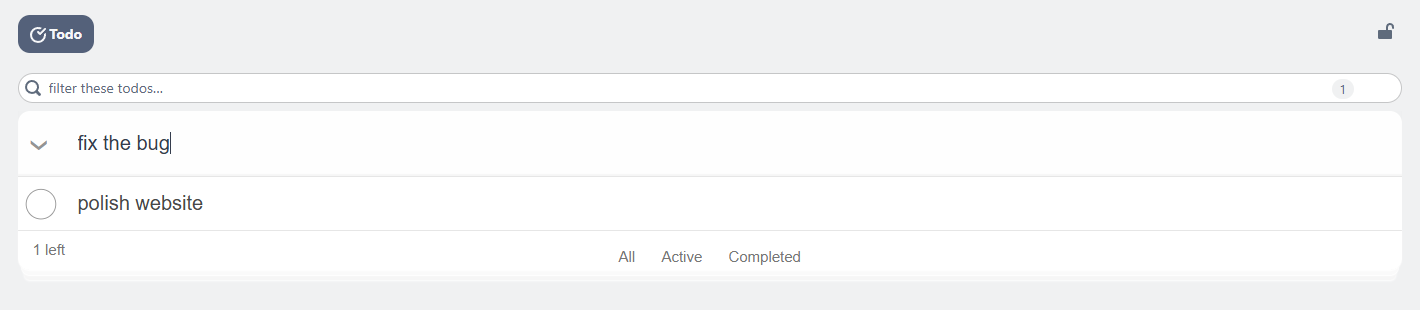
Add and complete
- Add - type in the box at the top ("What needs to be done?") and press Enter.
- Complete - tick the checkbox on the left; completed todos drop to the bottom of the list.
- Edit - double-click a todo, or focus it and press Enter, then type. Press Enter or click away to save.
- Delete - the
×at the right of the row.
Filter and clear
- The box above the card filters the list as you type, and shows how many of how many match.
- All / Active / Completed under the list switches which todos are shown. The count on the left is how many are still open.
- Clear completed removes every completed todo at once.